meridian
Medusa storefront with Payload CMS and Next.js running on Cloudflare Workers with D1 and R2
34
v3
Next.js
Updated 1 months agoAstro 7 website with Payload 4 beta TanStack admin, Bejamas UI components and a sample publication
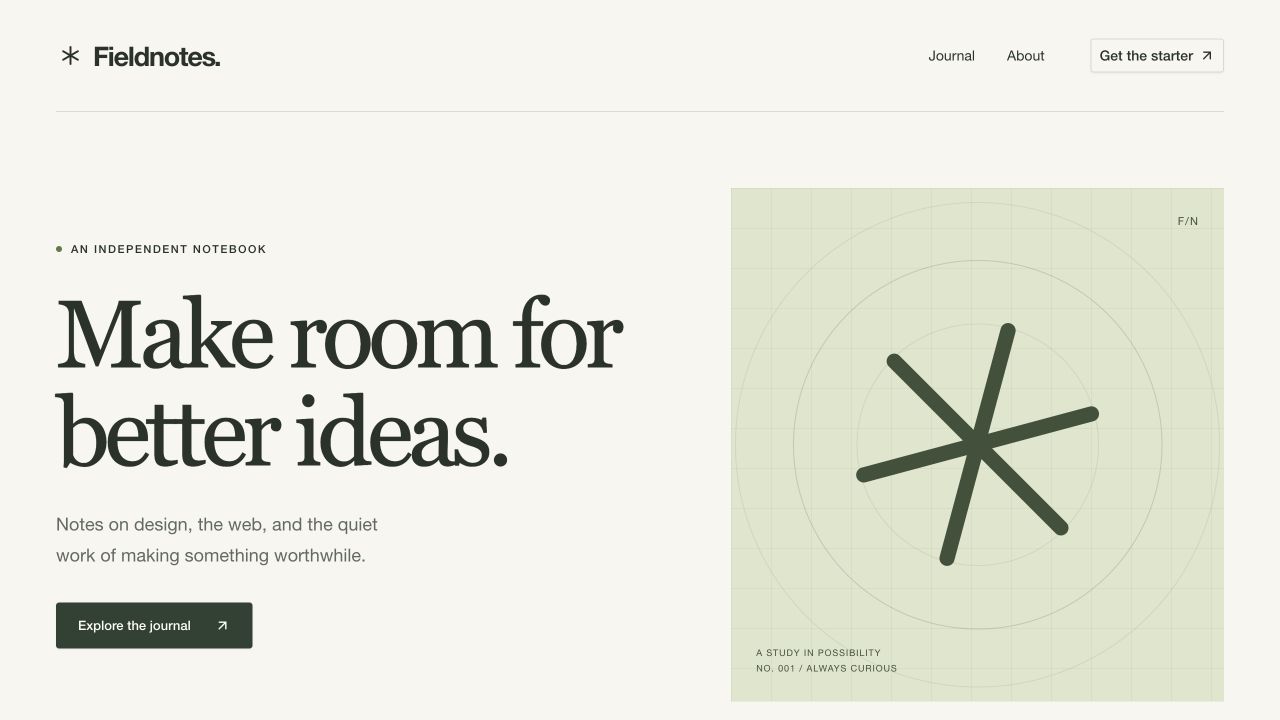
A two-app workspace where Astro 7 renders the public site and Payload 4 beta runs the official TanStack Start admin separately. The site reads published content through Payload's typed REST SDK, so publishing shows up on the next request without a rebuild. It includes a demo publication with pages, posts and media, uses SQLite locally, and has a Cloudflare profile using D1 and R2. Requires Node 24.15 or newer and Bun.
Astro 7 + Payload 4 beta starter with Bejamas UI and the official TanStack admin.
This repository is a GitHub template: create your own copy of it in one click.
Create a repository from this templateAn Astro version of Payload's official TanStack starter, with a working publication built using Bejamas UI.
Astro 7 renders the website. Payload 4 runs its official TanStack Start admin in a separate app. The site reads published content through Payload's typed REST SDK, so publishing updates the next page request without a rebuild. Payload 4 is in beta; all Payload packages are pinned to 4.0.0-beta.3.
Install Node 24.15 or newer and Bun 1.3.14.
Create a project with Astro's CLI and accept dependency installation:
bun create astro@latest my-project --template bejamas/astro-payload-4-starter --no-ai
cd my-project
This command copies both apps and the shared content package. --no-ai skips the CLI's generic agent instructions, which assume a single Astro app.
To launch the same CLI through npm, skip its dependency installation and install the workspace with Bun:
npm create astro@latest my-project -- --template bejamas/astro-payload-4-starter --no-install --no-ai
cd my-project
bun install
Initialize the local environment and sample content, then start both apps:
bun run setup
bun run seed
bun run dev
Open the site at http://localhost:4321 and the admin at http://localhost:3000/admin. Create your first admin account in Payload. No account or shared password is included in the seed.
setup creates .env with a random signing secret. seed adds two pages, three posts, original sample artwork, and site settings. Rerunning either command keeps existing values and documents. To create a local editor during seeding, set both SEED_ADMIN_EMAIL and SEED_ADMIN_PASSWORD in .env before running the seed.
If a port is occupied, change SITE_URL or CMS_URL in .env and restart. Use the same hostname for both apps, such as localhost, so the editor's login cookie reaches preview.
home slug renders at /; other pages render at /<slug>./journal with pagination.960 × 720 WebP card variant.Public requests never forward editor credentials to Payload. Public queries explicitly select published documents, including when a visitor is signed in. Preview responses use no-store and noindex.
The components in apps/web/src/ui are copied from Bejamas UI and belong to this project. Edit them directly. The theme and layout styles live in apps/web/src/styles/globals.css.
Add another component from the web app:
cd apps/web
bunx [email protected] add dialog
components.json records the registry style and aliases. The site uses Astro components and the small @data-slot/accordion behavior script. It sends no React islands to visitors.
| Command | Result |
|---|---|
bun run dev | Start both development servers |
bun run generate | Regenerate shared content types and the admin import map |
bun run check | Type check the CMS and Astro components |
bun run format:check | Check formatting |
bun run build | Build both apps without a running CMS |
bun run start | Run both production builds |
bun run test | Test the running apps through HTTP |
bun run smoke | Start production builds, run the HTTP tests, and stop them |
bun run test:create-astro | Scaffold this commit with create-astro and test the generated project |
bun run migrate:create my-change | Generate a database migration after a schema change |
bun run migrate | Apply database migrations |
The tests need an editor. Set SEED_ADMIN_EMAIL and SEED_ADMIN_PASSWORD, then run bun run seed. Run bun run build && bun run smoke to test the production apps. The suite creates temporary content and removes it afterward. CI runs type checks, formatting, generated-file checks, a production build, fresh-database migrations, and these integration checks.
The create-astro check requires a Git checkout. It serves an archive of HEAD to the real CLI and installs the generated project's dependencies in a temporary directory. It runs setup, seed, type checks, and the HTTP tests against development and production servers. CI runs it separately so the template remains usable when its files or dependencies change.
| Path | Owns |
|---|---|
apps/cms/src/payload.config.ts | Collections, page blocks, access rules, image transformer, and settings |
apps/cms/src/app/_payload | Official Payload TanStack routes and server functions |
apps/cms/src/migrations | SQLite schema migrations |
apps/cms/src/seed.ts | Repeatable sample content and artwork |
apps/web/src/lib/cms.ts | Server-side typed SDK, queries, and media URLs |
apps/web/src/components | Astro section and article rendering |
apps/web/src/ui | Copied Bejamas UI components |
packages/content/payload-types.ts | Generated Payload types shared with Astro |
tests/integration.test.mjs | Access, drafts, publishing, media, SEO, and route checks |
See the architecture decision for the framework choice and the request flow.
Run the two Node services on a host with a persistent filesystem, or deploy them independently. The repo includes the initial database migration and no hosting-provider credentials.
PAYLOAD_SECRET, public CMS_URL, and public SITE_URL in the deployment environment.DATABASE_URL to a persistent SQLite path or a libSQL URL. Persist apps/cms/media too, or add a Payload storage adapter. Local uploads are publicly readable, including images attached to drafts.bun install --frozen-lockfile and bun run build.NODE_ENV=production bun run migrate. Keep development and production databases separate. Commit a new migration after each schema change.bun run --cwd apps/cms start, and the site with HOST=0.0.0.0 PORT=4321 bun run --cwd apps/web start. Set NODE_ENV=production on both services. The individual start commands use your environment; bun run start loads the root .env for a local production check.cms.example.com and www.example.com, set PAYLOAD_COOKIE_DOMAIN=.example.com on the CMS and use HTTPS. Share cookies only among subdomains you control. The default host-only cookie works when both apps use one hostname.Astro renders on each request and returns 503 if Payload is unavailable. This starter has saved-draft preview, one language, and public image uploads. It does not include an Astro adapter for the Payload admin, unsaved live preview, or MCP integration.
The live demo runs in Bejamas Dev at https://astro-payload-4-starter.bejamas-lab.workers.dev. Open /admin on that origin for the CMS.
The deployment has two Workers. Astro is public and forwards the admin, API, and TanStack asset requests to the private CMS Worker through a service binding. D1 stores content and accounts; R2 stores uploads. Keeping one public origin lets the editor's secure login cookie authorize saved draft previews.
The default local and Node production profiles retain SQLite and Sharp. The Cloudflare profile uses the official Payload D1 and R2 adapters and serves original uploads without Sharp resizing. It includes a PBKDF2 compatibility module because hosted Workers cap native iterations below Payload beta.3's 600,000 iterations. The module preserves Payload's hash format and iteration count; tests compare its output with Node.
The checked-in Wrangler configs identify the Bejamas Dev demo resources. For a fork, change both account IDs, Worker names, the public URL, D1 database ID, R2 bucket, KV namespace ID, and CMS service binding before deploying. Use a Workers Paid account: the admin rendering and password hashing exceed the Free plan’s CPU limit. Enable R2 separately in your Cloudflare account. No R2 access keys are needed: the CMS uses its bucket binding.
For an existing provisioned deployment, use a Cloudflare token scoped to that account, or your saved Wrangler login:
# Omit env -u when intentionally using an account-scoped API token.
env -u CLOUDFLARE_API_TOKEN bun run deploy:cloudflare
The command validates the account and service configuration, builds both Worker profiles, applies committed D1 migrations, and deploys the private CMS before the public site. It keeps content, uploads, and the existing signing secret.
For a new deployment, provision the resources in the two Wrangler configs first. Prepare sample data and a fresh admin account once:
[email protected] bun run bootstrap:cloudflare
bunx wrangler d1 migrations apply astro-payload-4-content --remote --config apps/cms/wrangler.jsonc
bunx wrangler d1 execute astro-payload-4-content --remote --file .cloudflare-bootstrap/seed.sql --config apps/cms/wrangler.jsonc
bunx wrangler secret bulk .cloudflare-bootstrap/secrets.json --config apps/cms/wrangler.jsonc
The bootstrap refuses to overwrite an earlier run. It seeds a new isolated local database and writes the admin credentials to .env.cloudflare.local with owner-only permissions. Both that file and .cloudflare-bootstrap/ are ignored by Git. Keep them private. Never import a developer's existing database into a public demo.
Upload each file from .cloudflare-bootstrap/media/ into the configured R2 bucket using its filename as the object key, then run deploy:cloudflare. Import the seed and provision the signing secret before exposing the public site, so an anonymous visitor cannot claim the first admin account. Seeding is deliberately separate from normal redeployment.
Verify a running Cloudflare deployment with:
DEPLOYMENT_TARGET=cloudflare \
SITE_URL=https://astro-payload-4-starter.bejamas-lab.workers.dev \
CMS_URL=https://astro-payload-4-starter.bejamas-lab.workers.dev \
node --env-file=.env.cloudflare.local --test tests/*.test.mjs
These checks log in, test anonymous access restrictions, create private drafts, verify authenticated previews, publish content, upload and read an image, and remove their test records. The Cloudflare upload check compares the stored original bytes; the Node profile also checks the resized WebP variant.
MIT, Bejamas Group sp. z o. o. The copied Payload routes and Bejamas UI components retain their upstream licenses in THIRD_PARTY_PAYLOAD_LICENSE and THIRD_PARTY_UI_LICENSE.
Medusa storefront with Payload CMS and Next.js running on Cloudflare Workers with D1 and R2
Next.js website template with a layout builder, blog, search, SEO and live preview on Postgres
Block-based website builder on Payload 3.0 with Next.js, Tailwind CSS and the form builder plugin