
Overview
Summary generated from the READMEAdds a configurable callout block that you register in the Lexical BlocksFeature of a rich text field. It ships GitHub and Obsidian themes with typed callouts and icons, and provides JSX converters for rendering on the frontend. Callouts can be collapsible and contain nested rich text. It requires Payload 3.55.1 or later.
Features
- GitHub theme with note, tip, important, warning and caution types
- Obsidian theme with many callout types such as abstract, todo, success, question and quote
- Collapsible callouts with configurable default open state
- Nested rich text content inside each callout
- JSX converters for rendering callouts with the Lexical React renderer
- CSS custom properties for adjusting the styling
Use cases
- Highlight tips, warnings and notes inside blog posts or documentation written in Payload
- Reproduce Obsidian-style callouts in content managed through the Lexical editor
From the author
A server rendered callout block component with builtin Obsidian & GitHub themes for Payload CMS
Installation
npm i payload-callouts1
Stars
0
Forks
2
Open Issues
1 years ago
Last Updated
0
Weekly Downloads
v0.0.1
npm Version
83.8 KB
Unpacked Size
0
Dependencies
Trends (last 90 days)
Trends appear after 7 days of data. Daily snapshots have not started yet.
Trends appear after 7 days of data. Daily snapshots have not started yet.
Each point is npm's rolling 7-day download count.
Health Score
Composite score based on GitHub activity, stars, npm downloads, publish recency, dependency count, and package size.
Badge for your README

[](https://payloaddirectory.dev/plugins/1058387210-root)<a href="https://payloaddirectory.dev/plugins/1058387210-root"><img src="https://payloaddirectory.dev/badge/1058387210-root.svg" alt="Payload Directory"></a>README
Payload Callouts Plugin
A Payload CMS plugin for creating beautiful callout blocks with GitHub and Obsidian themes.
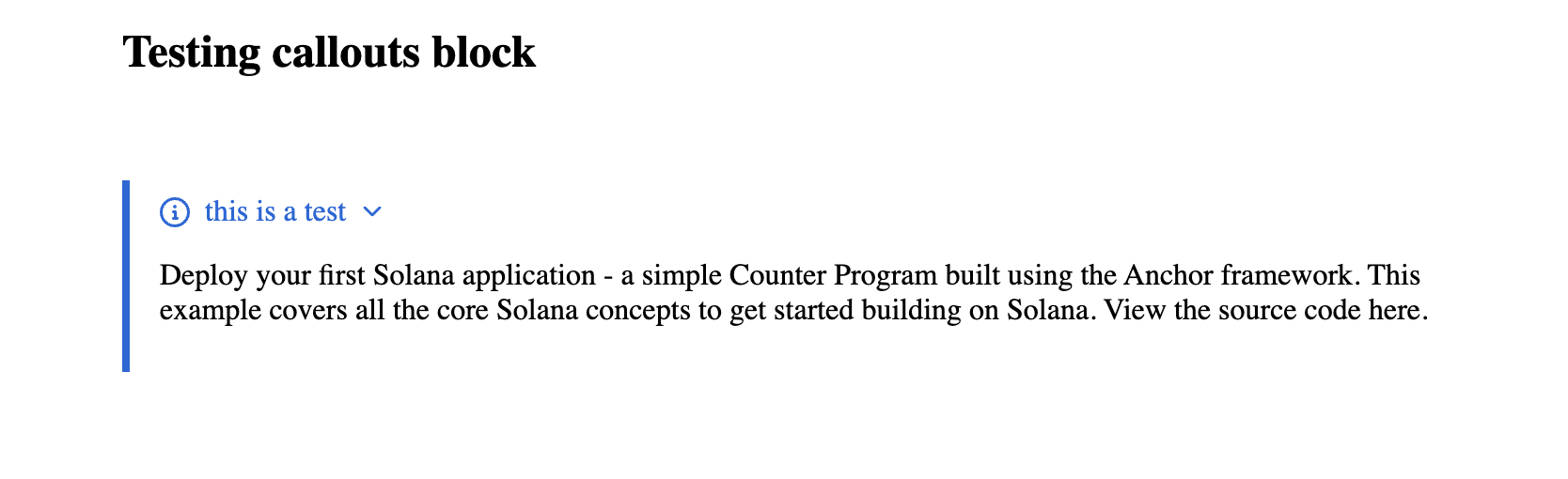
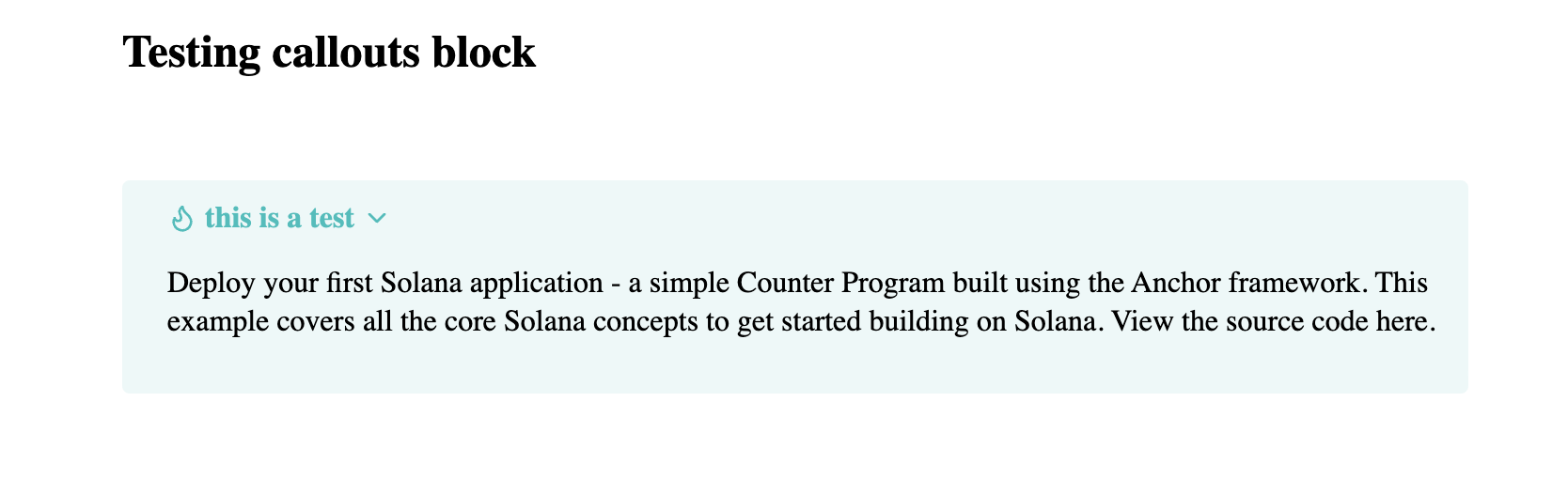
Features
Multiple Themes: GitHub and Obsidian-style callouts
Rich Styling: Pre-designed callout types with icons
Rich Text Support: Full RichText editor support with nested content
Configurable: Collapsible callouts with customizable defaults
Supported Callout Types
GitHub Theme
- Note - General information
- Tip - Helpful suggestions
- Important - Critical information
- Warning - Cautionary content
- Caution - Danger alerts
Obsidian Theme
- Note - General notes
- Abstract/Summary/Tldr - Content summaries
- Info - Information blocks
- Todo - Task lists
- Tip/Hint - Helpful suggestions
- Important - Critical content
- Success/Check/Done - Completion status
- Question/Help/FAQ - Q&A content
- Warning/Attention/Caution - Warnings
- Failure/Missing/Fail - Error states
- Danger/Error/Bug - Critical errors
- Example - Code examples
- Quote/Cite - Quotations
Installation
npm install payload-callouts
# or
yarn add payload-callouts
# or
pnpm add payload-callouts
Setup
1. Configure the Plugin
Add the plugin to your Payload configuration:
// payload.config.ts
import { payloadCallouts } from 'payload-callouts'

export default buildConfig({
  plugins: [
    payloadCallouts({
      theme: 'github', // or 'obsidian'
      blockSlug: 'callout', // optional, default: 'callout'
      blockInterfaceName: 'CalloutBlock', // optional, default: 'CalloutBlock'
      collapsible: true, // optional, default: true
      defaultOpen: true, // optional, default: true
    }),
  ],
  // ... rest of your config
})
2. Add the Block to Your Collections
// collections/Posts.ts
import { createBlockConfig } from 'payload-callouts'

export const Posts: CollectionConfig = {
  slug: 'posts',
  fields: [
    {
      name: 'content',
      type: 'richText',
      editor: lexicalEditor({
        features: ({ rootFeatures }) => [
          ...rootFeatures,
          BlocksFeature({
            blocks: [
              createBlockConfig(), // Add callout blocks
              // ... other blocks
            ],
          }),
        ],
      }),
    },
  ],
}
3. Setup Frontend Rendering
Create a RichText component with callout converters:
// components/RichText.tsx
import { createCalloutBlockJSXConverter } from 'payload-callouts/converters'
import {
  RichText as ConvertRichText,
  type JSXConvertersFunction,
} from '@payloadcms/richtext-lexical/react'

const jsxConverters: JSXConvertersFunction = ({ defaultConverters }) => {

  const calloutBlockConverter = createCalloutBlockJSXConverter((content) => (
    {/* Passing your customized RichText / ConvertRichText component */}
    <ConvertRichText converters={jsxConverters} data={content} />
  ));

  return {
    ...existingConverters,
    blocks: {
      ...existingConverters.blocks,
      ...calloutBlockConverter.blocks,
    },
  };
}

export default function RichText(props) {
  return (
    <ConvertRichText
      className="prose dark:prose-invert max-w-none"
      converters={jsxConverters}
      {...props}
    />
  )
}
Configuration Options
interface PayloadCalloutsConfig {
  /** Enable or disable the plugin */
  disabled?: boolean

  /** The slug for the callout block */
  blockSlug?: string // default: 'callout'

  /** Interface name for TypeScript generation */
  blockInterfaceName?: string // default: 'CalloutBlock'

  /** Theme to use */
  theme?: 'github' | 'obsidian' // default: 'github'

  /** Whether callouts are collapsible by default */
  collapsible?: boolean // default: true

  /** Whether callouts are open by default */
  defaultOpen?: boolean // default: true
}
Styling
The plugin includes CSS modules for styling. You can customize the appearance by:
- Using CSS Custom Properties: Override the built-in CSS variables
- Custom CSS: Import and modify the provided styles
- Tailwind Classes: Add additional classes to the rendered components
CSS Custom Properties
:root {
  /* add the following line if you want dark mode support */
  color-scheme: light dark;
  --callout-border-radius: 8px;
  --callout-padding: 1rem;
  /* ... more variables */
}
Contributing
Contributions are welcome! Please feel free to submit a Pull Request.
License
MIT License - see LICENSE file for details.
Credits
Part of the CSS styles are from rehype-callouts.
Similar plugins

richtext
Rich-text child block, default Lexical editor preset and JSX renderer for Atomic Payload
610/wk37v3

payload lexical typography
Lexical editor features for text color, font size, letter spacing, line height and font family
571.1k/wk109v?

payload editor
Preset-based, deterministic configuration builder for the Payload Lexical rich text editor
564/wk2v3

payload richtext lexical react native
React Native renderer for serialized Lexical rich text content from Payload CMS
420/wk0v3

fullscreen editor
Fullscreen mode for the Payload Lexical rich text editor
680/wk114v3

payload paste as markdown
Lexical editor feature for pasting raw Markdown via a toolbar button, slash command, or drawer
570/wk0v3